
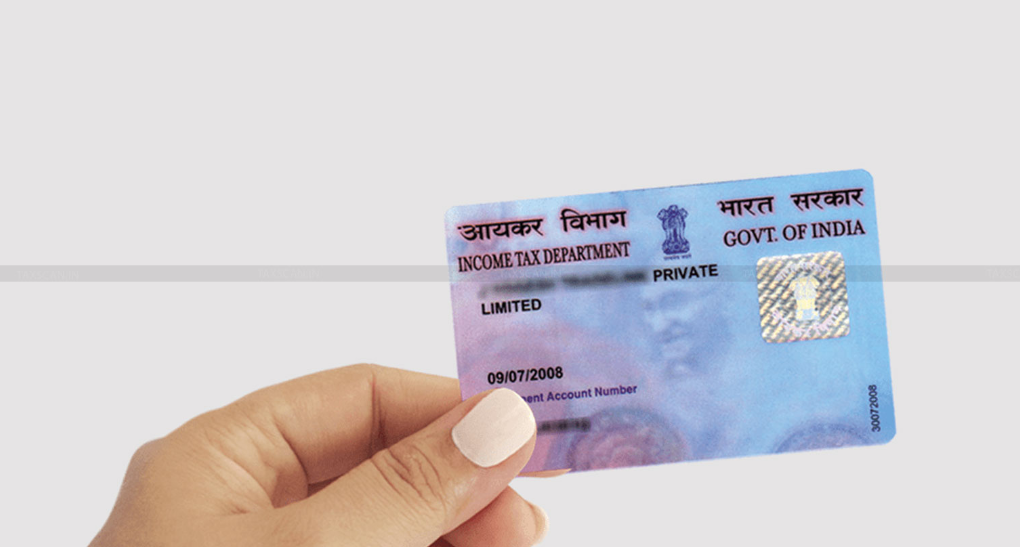
The Income Tax Department (ITD) has launched PAN 2.0, a new initiative to enhance the efficiency and security of the Permanent Account Number (PAN) system. This upgrade introduces a QR code on PAN cards, offering a more secure and convenient way to verify identity. Through this system, applicants can receive their e-PAN card directly in their email at no extra cost. A nominal fee applies for those who prefer a physical PAN card. Existing PAN cards will remain valid even without the QR code.
What is PAN 2.0?
PAN 2.0 is part of an e-Governance project by the Income Tax Department aimed at improving the registration and management of PAN data. This project consolidates services for PAN allotment, updates, corrections, and also merges TAN-related services. Additionally, online PAN validation services will be available for institutions like banks, government agencies, and more.
The main goals of PAN 2.0 are to:
- Improve PAN services using advanced technology.
- Make the process of applying for, updating, or correcting PAN details simpler and more secure.
- Provide a digital PAN card with a QR code for better identity verification.
How to Apply for Your e-PAN Online
Applying for your upgraded e-PAN card is easy! Here’s a simple step-by-step guide to help you get started with NSDL:
- Visit the NSDL e-PAN portal: Go to the NSDL e-PAN Portal.
- Enter Your Details: You will need your PAN number, Aadhaar card details, and date of birth.
- Verify Your Information: Review the information you’ve entered and choose how you want to receive a one-time password (OTP) to proceed.
- Enter OTP: The system will send you an OTP, which you must enter within 10 minutes to continue.
- Free for First 3 Requests: The service is free for up to three requests within 30 days of PAN issuance. After that, there is a nominal fee of ₹8.26, including GST.
- Get Your e-PAN: Once payment is made, your e-PAN will be sent to your email address within 30 minutes.
If you do not receive your e-PAN, contact tininfo@proteantech.in or call customer care at 020 27218080 for assistance.

How to Correct or Update Your PAN Details
If you already have a PAN card and need to update or correct details like your name, address, or date of birth, you can do so for free.
For email, mobile number, and address updates, visit these official links:
For other changes, you can either visit a PAN center or apply online for a fee.
Documents Needed for PAN 2.0 Application
Before you apply for your e-PAN, make sure you have these documents ready:
- Proof of Identity: Aadhaar card, Passport, Voter ID, or Driver’s License.
- Proof of Address: Utility bills, bank statements, or rental agreements.
- Proof of Date of Birth: Birth certificate, school leaving certificate, or Passport.
Key Features of PAN 2.0
The PAN 2.0 project brings several exciting features to make the system more efficient and secure:
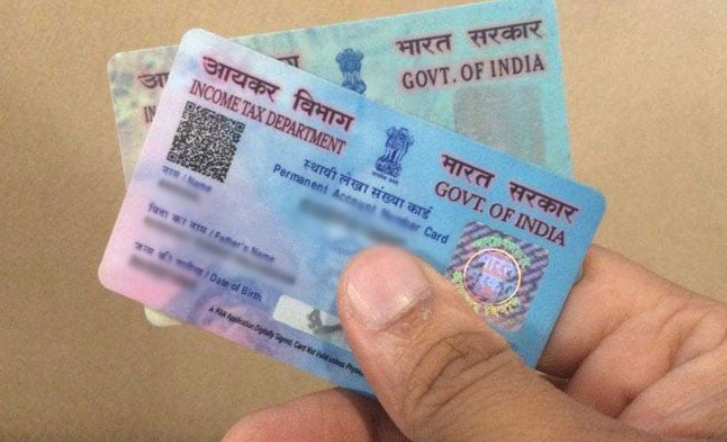
- Integration of QR Code: Every new PAN card will now include a QR code, allowing for quick digital verification of your identity. This makes identity checks easier for both individuals and businesses.
- Enhanced Security: The QR code adds an extra layer of security, making it harder for cards to be duplicated or tampered with. Only authorized software can access the encrypted data inside the code, preventing fraud.
- Faster Verification: The QR code ensures accurate and fast identity verification, reducing errors in financial transactions and preventing impersonation.
- Better Data Accuracy: With PAN 2.0, you can be sure that your PAN details are accurate and up-to-date, compliant with the latest regulations, and free from any errors.
The Role of the QR Code
The QR code on the new PAN cards has several advantages:
- Increased Security: The QR code reduces the chances of fraud or tampering with your PAN card.
- Simplified Identity Verification: It helps organizations quickly verify your identity, reducing the time spent on manual checks.
- Ensured Data Accuracy: The integration of digital verification guarantees your details are accurate, making transactions safer and more secure.
Final Thoughts
PAN 2.0 is a significant step forward in simplifying the PAN application and update process, making it faster, more efficient, and more secure. The introduction of the QR code makes identity verification easy, and the option to receive an e-PAN directly in your inbox saves time and effort.
Ready to get your upgraded PAN card? Follow the simple steps outlined above, and enjoy the benefits of PAN 2.0 today!